Common Linux Filesystem hierarchy
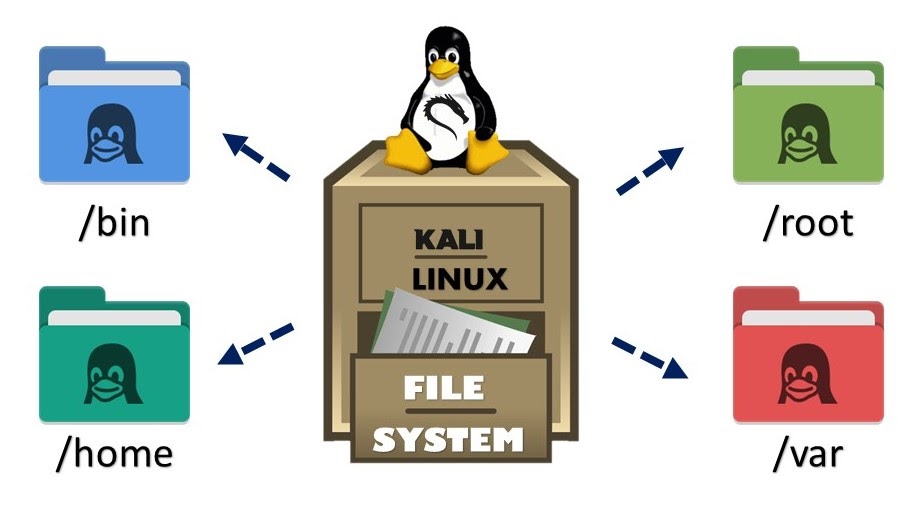
/ - This is the root of your filesystem, where everything begins.
/etc - This directory contains system configuration files.
/home - This is the default home directory for all users (except the root user).
/root - This is the home directory for the root user.
/dev - This is where your devices such as your hard disks, USB drives, and optical drives reside on your system.
/opt - This is where you can install additional 3rd party software.
/boot - All the files required for your system to boot are stored here.
/bin - This is where essential binaries (programs) reside on your system. In other words, your Linux commands executables.
/sbin - This is where system binaries (programs) that are typically used by the system administrator are stored. Commands here require sudo access.
/opt - This is where you can install additional 3rd party software (not coming from your distribution’s package manager).
/tmp - This is where temporary files are stored; they are usually deleted after a system reboot, so never store important files here!
/var - This directory contains files that may change in size, such as mail spools and log files. Many sysadmins store their web services here.
/usr - This directory contains files and utilities that are shared between users.
/lib - This directory contains libraries needed by the essential binaries in the /bin and /sbin directories. A library is basically a set of precompiled functions that can be used by a program.
/proc - This is where information about running processes is stored.
You will have more files under your root (/) directory. I have only chosen the most important and common ones that should exist on every Linux distribution.